A San Diego event venue website should help someone decide whether the space fits their event and make it easy to ask about a date. Start with the facts people need before they reach out, then give the venue team an inquiry it can actually use. Photos help visitors imagine the event, but capacity, location, and the next step do much of the work.
Make the first screen answer three questions
Show where the venue is, what events it accommodates, and how to ask about availability. A short heading can name the venue and its location. Supporting copy can distinguish weddings, private events, or corporate bookings if those are the offers you actually support. Put a date inquiry or tour request near the information the visitor needs to choose it.
Open the page on a phone. Make sure a large image or video does not push all useful information below the first screen. Test the main button and check whether it arrives at a form, a phone number, or a booking page. Label the action accurately so visitors know what will happen.
Give visitors the details they compare
Publish capacity by setup when it differs between seated dinners, receptions, or ceremonies. Explain indoor and outdoor options, accessibility details, parking, and the location in plain language. State what the venue includes and where outside vendors or separate arrangements are needed. Use facts your team can keep current.
Choose examples that show scale and layout. A gallery might include the entry, a room at event scale, a ceremony layout, and the path between main spaces. Use clear captions when a photo illustrates a specific setup. Make sure people have enough context to tell whether the image represents the current venue.
Build an inquiry around the first sales conversation
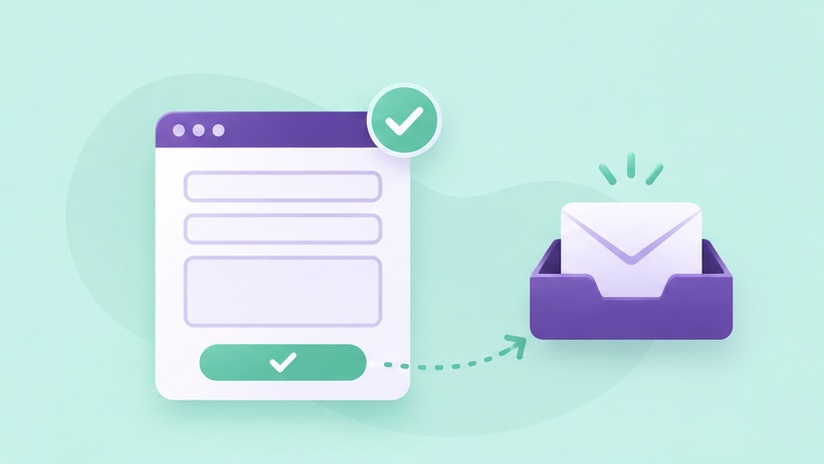
Collect the event type, preferred date or date range, estimated guest count, and contact information. Ask only for information the team uses to respond. If date availability changes quickly, make it clear that sending a form is a request. Tell the visitor who will reply or what step they can expect next.
Send a test request from a phone and ask the person managing venue leads to read it. Confirm it contains the requested date and guest count, then check that the customer receives a confirmation if you promise one. The service page checklist explains how to verify delivery and follow-up.
Connect venue details to local discovery
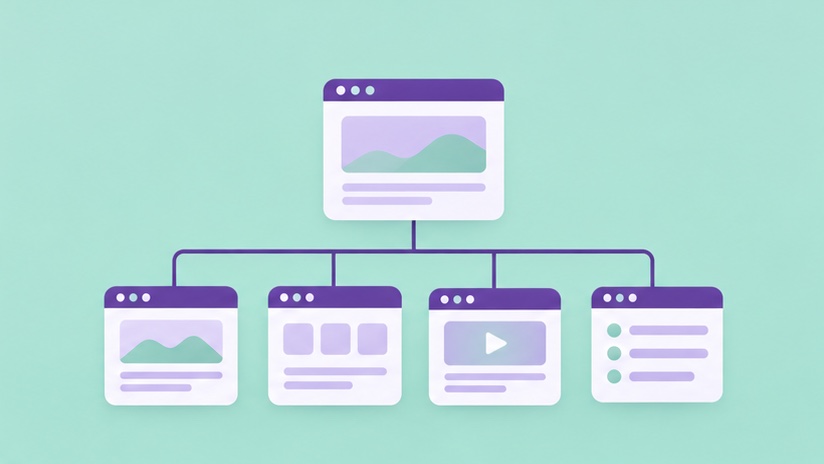
Keep the website and Google Business Profile consistent for the venue name, public address, and contact details. If you offer different event types with different layouts or requirements, give those services their own sections or pages. Add descriptive links from each page to the relevant inquiry form or tour information.
Track which event types and pages produce requests the sales team can act on. If most people ask about the same parking rule or capacity limit, place that information higher on the page. For more ways to connect local discovery and your site, read the San Diego local SEO guide.
Test a realistic booking question
Ask someone unfamiliar with the venue to imagine a seated reception for 100 guests. Have them find the capacity, see where the venue is, and ask about two possible dates. Watch where they pause or ask for help. If the number depends on layout or an outdoor option, explain that on the page and in the inquiry flow.
Ask the sales team what they would do with the request. If they need the event type, date range, and guest count to respond, confirm that all three arrive. A useful website gives the visitor enough information to inquire and the sales team enough information to start a conversation.
Frequently asked questions
Should I show pricing on a venue website?
If you can share a useful starting price or explain how pricing changes by date, guest count, or package, that can help visitors qualify themselves before they ask.
Should the website show open dates?
Display live availability only if the underlying calendar stays accurate. An inquiry with a date range can be a better fit when your team confirms dates manually.
Build a site around your services
Give customers the information they need and a clear next step when they are ready to inquire.
Explore Small Business Web Design