A small service business usually needs enough pages to explain what it does, answer the questions people ask before contacting it, and offer a reliable way to get in touch. Start with the homepage, service information, and contact. Add an About page or a portfolio when those sections have a clear job. The right page count follows the number of distinct decisions your customers need to make.
Start with the pages people need to take action
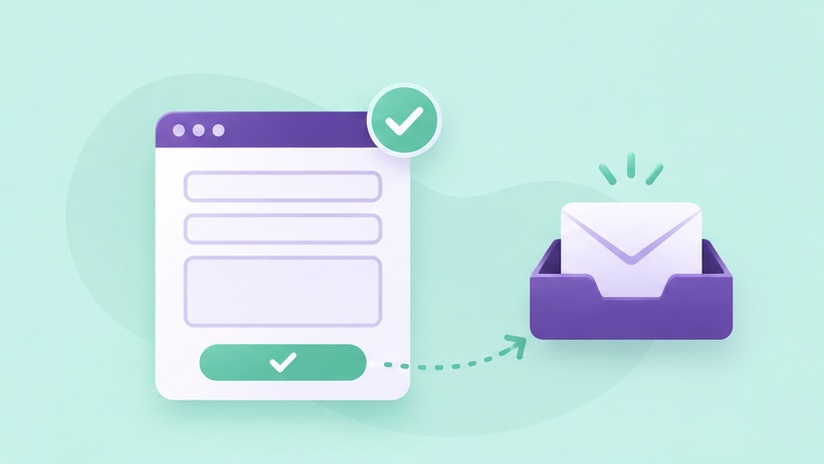
The homepage should explain what you do, who you serve, and how to start. A services page should clarify what is included and link to individual service pages when customers need more detail. The contact page should tell people how to reach you, what information to send, and what happens after they inquire. A short About section can initially live on the homepage if it answers the essential trust questions there.
For a business with one straightforward offer, that can be enough to launch. A consultant might need a clear homepage, a page that explains the engagement, and an inquiry form. A contractor with several separate offers may benefit from dedicated pages for work that requires different proof, intake questions, or scheduling. Map those decisions before estimating how much copy or design you need.
Give distinct services their own space
Split services when a visitor needs different information to decide. A homeowner seeking a panel upgrade has questions about the existing setup and scope. A customer who wants an EV charger installed may care about where the vehicle parks and whether the team can evaluate the available electrical capacity. Each page can tell the customer what to share before the estimate. When the same team, process, and questions apply, sections on one service page may be easier to scan.
Use the service page SEO checklist when you outline these pages. Each page should have its own purpose, title, and next step. Give the reader a reason to stay on the page long enough to answer their question. A service title alone does little for a customer who needs to compare what is included.
Add proof where it changes the decision
An About page is useful when the customer needs to understand who will do the work, how the business operates, or why the team is qualified for a particular project. A portfolio is useful when someone needs to evaluate style or scope. Use a handful of examples with context. A short description of the project, what you delivered, and the constraints you handled is more informative than a wall of images.
Choose where proof belongs. A strong example on a service page may answer a question exactly where it comes up. A portfolio can then give interested readers more depth. If you have limited material, start with the examples you have permission to share and expand the section as you complete more work.
Decide what belongs in navigation
Navigation should reflect the choices visitors make most often. Common labels such as Services, About, Work, and Contact help people predict where a link will take them. A deeper article can sit under a blog or resources section and still be reachable through a contextual link from a service page. Keep the menu manageable on a phone and check that the quote path is easy to spot.
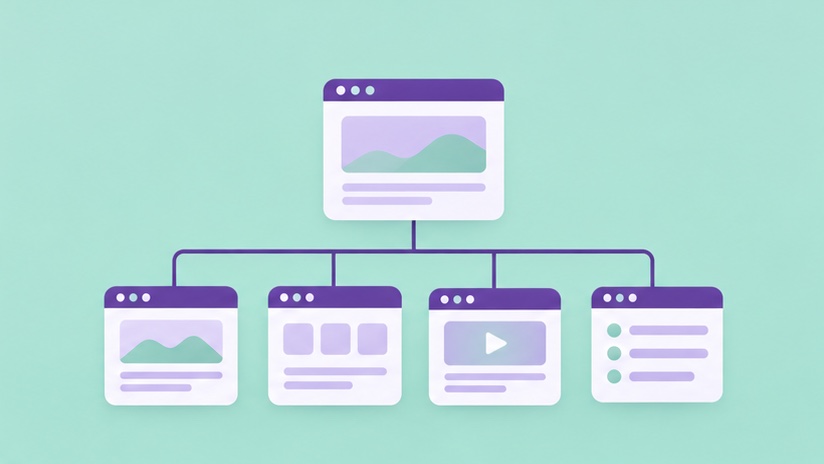
Draft the site map with a row for each planned page, its purpose, its primary action, and the material you need. When two pages have the same purpose and action, decide whether one can cover both. Share the map when you request an estimate so the vendor can price the writing, layout, and testing separately. Review Project Div’s website pricing for an example of how scope can differ between packages.
Try a three-page outline before expanding
For an example bookkeeping business, sketch a homepage that explains who the business serves, a service page with onboarding and monthly deliverables, and a contact page that explains how to book a consultation. Add an About page if credentials or the team’s approach need more space. Add a cleanup page if that work has its own scope and intake questions.
Give each draft a single purpose and a realistic visitor task. If the reader can find the offer, judge whether it fits, and complete an inquiry, you have a solid first release. Put extra pages in the roadmap when they answer a question the first release leaves open.
Frequently asked questions
Do I need a blog at launch?
A business can launch with strong core pages first. Add a blog when you have specific customer questions to answer and a way to keep the answers current.
Should I give every FAQ a page?
Keep brief buying questions with the relevant service. Publish a separate guide when the topic needs examples, steps, or more context than fits on the service page.
Build a site around your services
Give customers the information they need and a clear next step when they are ready to inquire.
Explore Small Business Web Design