A custom website makes sense when the business needs a workflow, content structure, or integration that a standard site cannot support comfortably. A template can be a good fit when the main goal is to explain services, show proof, and capture inquiries. Choose by describing the work the site must do and the way your team will maintain it.
Start with the workflow that makes you consider custom work
Write down what the visitor sees, what they submit, and what your team does next. A contractor might need a simple quote request emailed to one office. A multi-location provider might need to route requests by ZIP code, send a confirmation, create a CRM record, and notify the right staff member. The second flow has more decisions and more failure points to test.
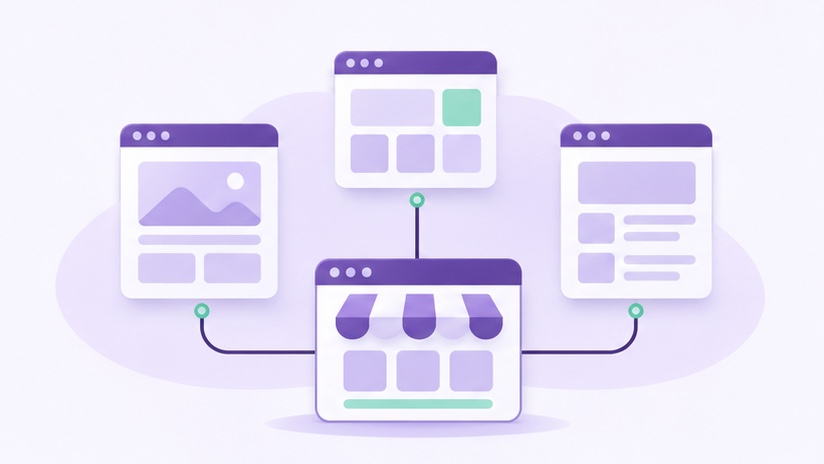
Separate the public layout from the business process. A page can use a standard layout while a small custom integration handles routing. Another project may need custom templates because it displays many related services, locations, or resources. Discuss the smallest scope that solves the issue and ask how it will fit the rest of the site.
Compare options using a working example
Ask the developer to demonstrate a realistic version of the workflow. If you need a directory, show how staff add an entry and how customers find it on a phone. If the website needs to collect detailed requests, test what happens when required information is missing or the integration is temporarily unavailable. Put the results in the proposal so everyone agrees on what the project includes.
A standard setup may have ready-made features your team can maintain. Custom code can address more specific requirements, while introducing responsibility for testing and updates. Ask how the solution will be handed off, where the documentation will live, and what happens when a connected service changes.
Clarify what the team can edit
Decide which changes staff will make regularly. They may need to change a service description, add photos, update a schedule, or modify the fields on a form. Ask to see how those changes work. A useful system should give the right people enough control without exposing every design or integration setting.
If the project uses WordPress, our guide to choosing a WordPress editor can help you evaluate the editing experience. Check the proposed workflow against your team's real tasks and note which changes will still require a developer.
Estimate the ongoing cost alongside the build
List one-time design, development, content, and migration costs. Then list recurring expenses such as hosting, licenses, third-party services, and maintenance. Ask what the vendor charges for later changes and what kind of support is included. Compare options over the period you expect to operate the site, using the same assumptions for both.
Review the small business website quote checklist before signing. It will help you identify whether a proposal includes the workflow you discussed and the testing you expect.
Decide whether to build the whole workflow at once
A business adding a new lead process can start with one service, one form, and one destination. Test routing rules and exception handling before adding more locations. If the first version solves the problem, expanding it becomes a clearer project because you know which inputs and ownership rules matter.
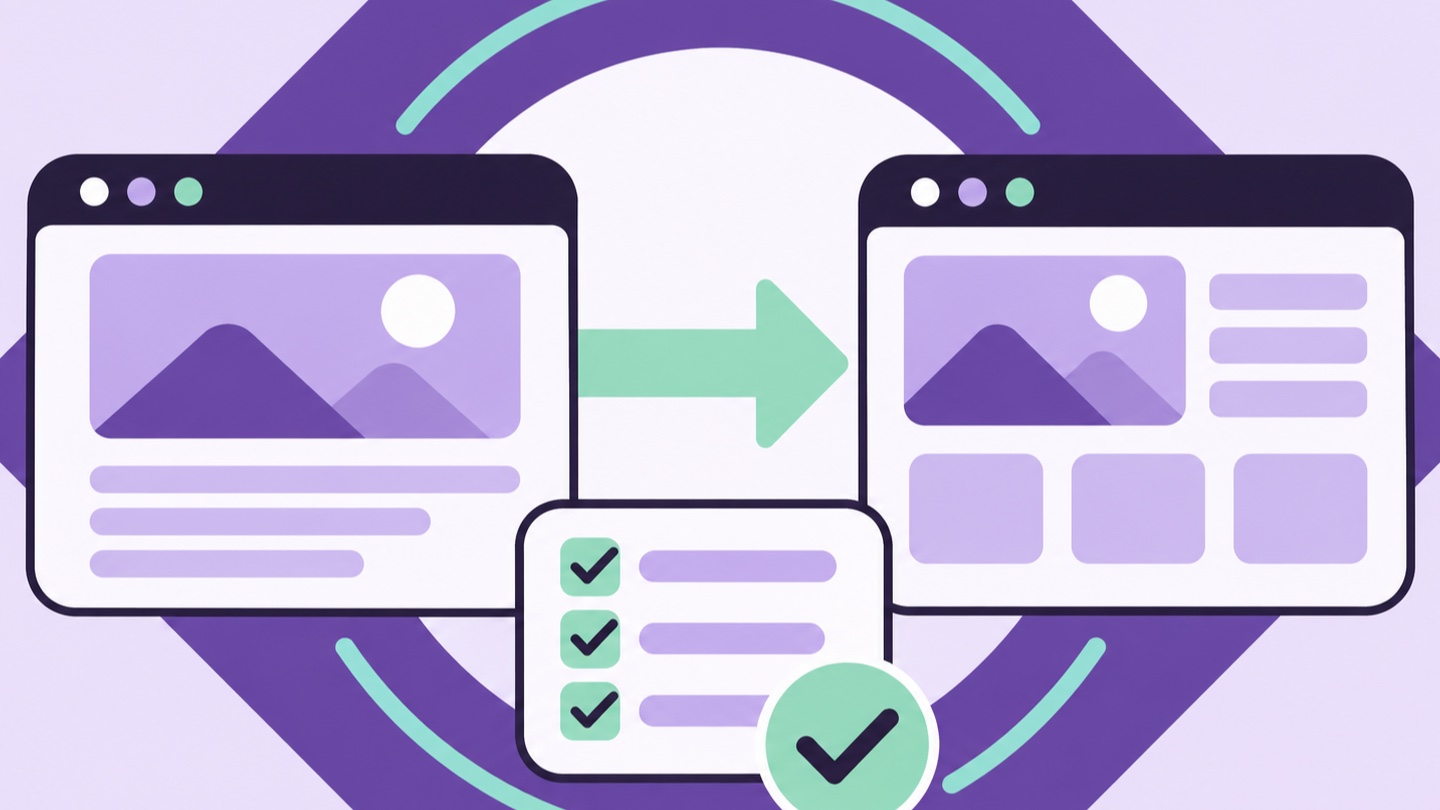
Put the acceptance checks in the scope. For a routed inquiry, confirm that staff can see the request, understand why it went to their team, and recover it if an integration fails. Include a handoff for changing the routing later. These details help you compare a custom implementation with a template and add-on combination.
Frequently asked questions
Does custom development mean rebuilding the whole site?
Sometimes a custom feature can be added to an existing site. The decision depends on the current platform, the integration points, and how much of the existing experience still serves the business.
How can I limit risk on a custom feature?
Define the workflow, build a small testable version, and document who maintains it. Confirm that staff can complete their tasks before expanding scope.
Plan a website around your workflow
Discuss the site features and integrations your team needs to handle requests reliably.
Explore Custom Web Development